What you’ll learn:
  • How to create a managed server
  • Supported languages
Managed servers let you deploy custom MCP server code without managing infrastructure. Upload your code and Metorial handles hosting, scaling, and deployment.

Supported Languages

Metorial supports two languages for managed servers:
TypeScript/JavaScript (Node.js)
  • Full npm package support
  • Automatic TypeScript compilation
  • Node.js 18+ runtime
Python
  • Standard Python packages with pip
  • Python 3.10+ runtime
  • Support for async/await

Creating a Managed Server

1

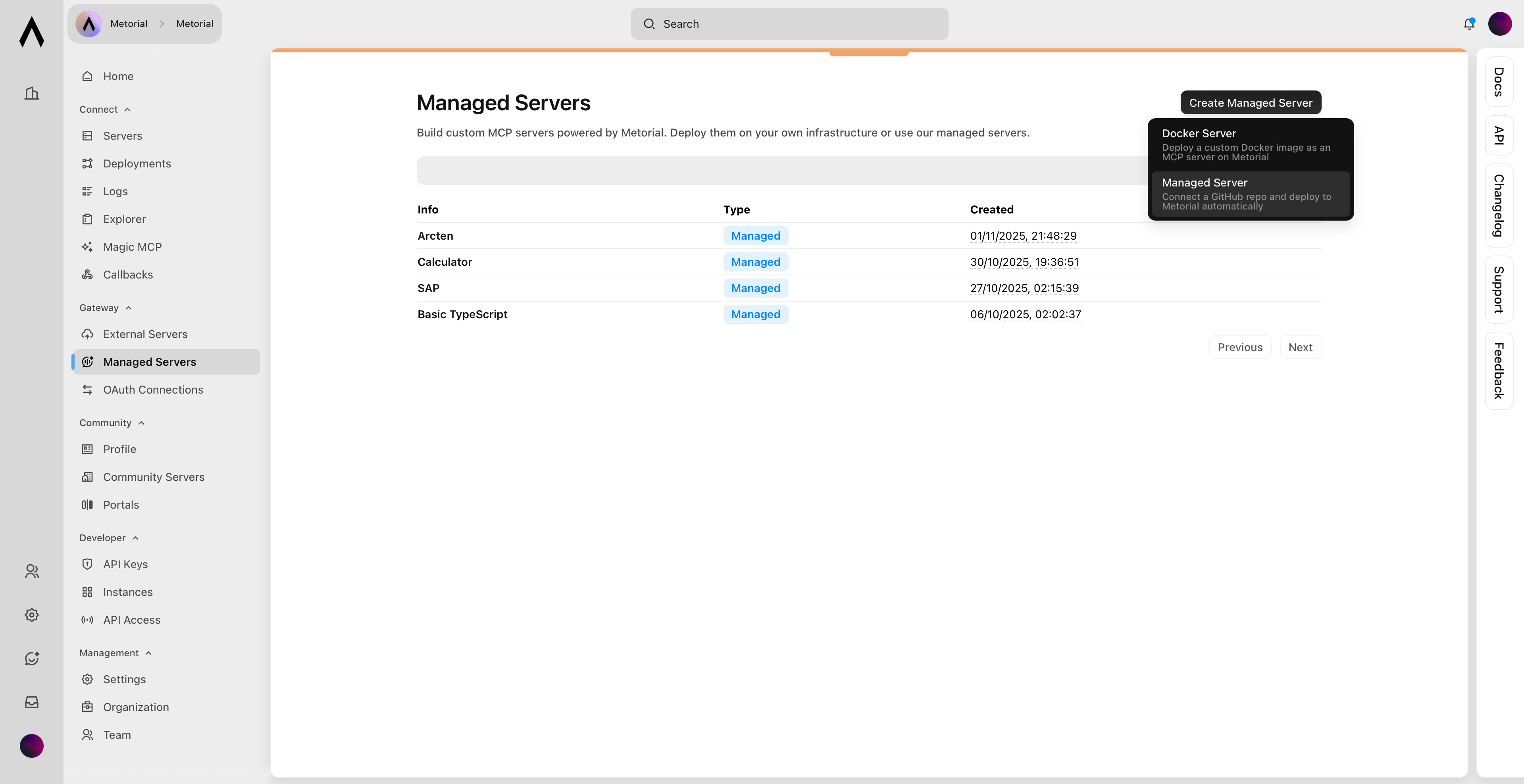
Navigate to Custom Servers

Go to GatewayManaged Servers.Navigate to managed servers
2

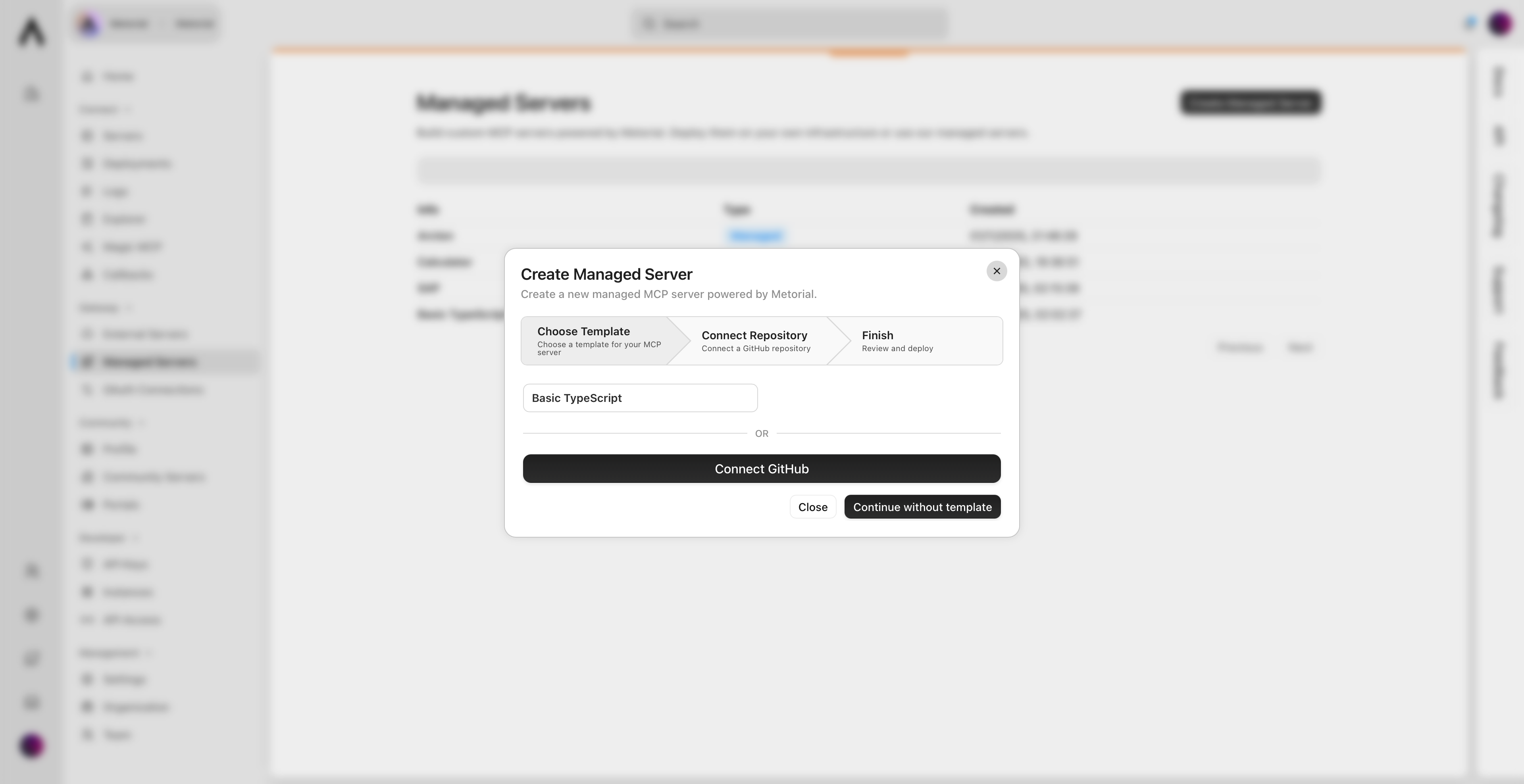
Create Server

Click Created Managed Server and select Managed Server.Create managed server
3

Upload Code

Upload your MCP server code.
4

Deploy

Click Deploy and wait for the build to complete.

What’s Next?