

Deploying an MCP server
MCP servers in Metorial provide tools and resources to AI assistants through the Model Context Protocol. This guide will walk you through deploying your server and making it accessible to AI applications.Open the Server Page
Navigate to the Servers section in the dashboard and select the GitHub MCP server.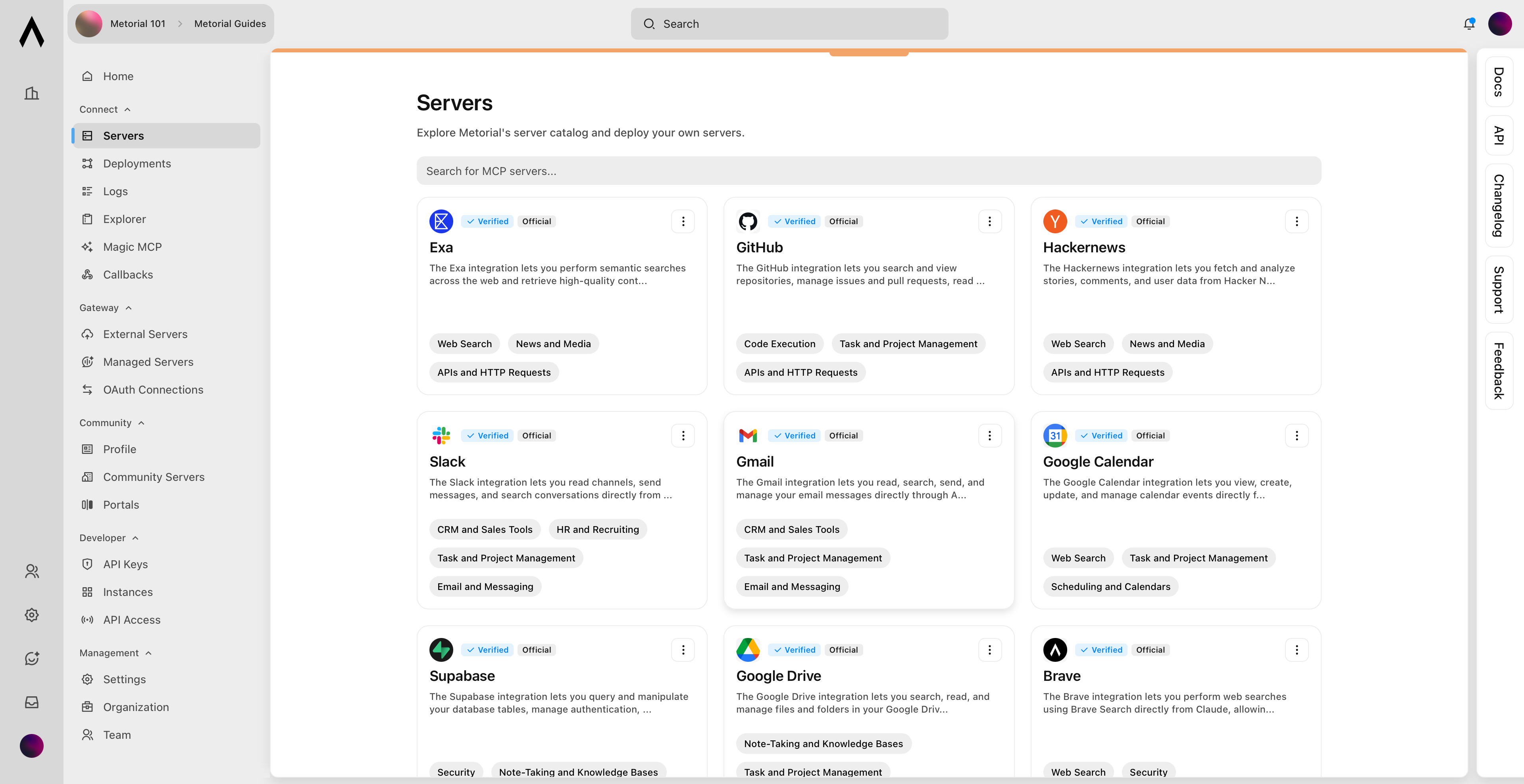
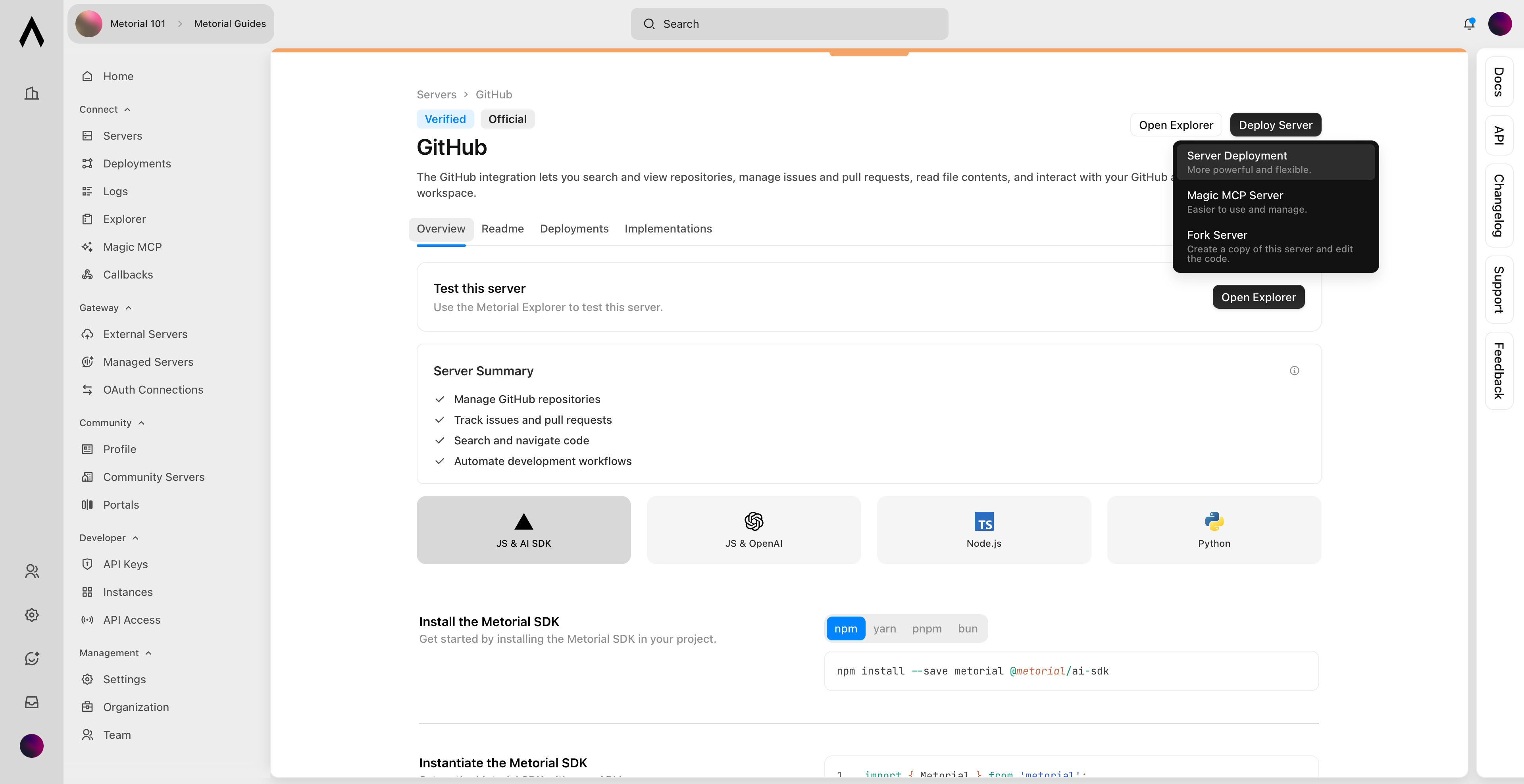
Configure Deployment Settings
Set up your deployment configuration by choosing a clear, descriptive name for the deployment and creating a new OAuth App in Github Developer Settings. For detailed steps on creating and managing your OAuth App, refer to the GitHub documentation.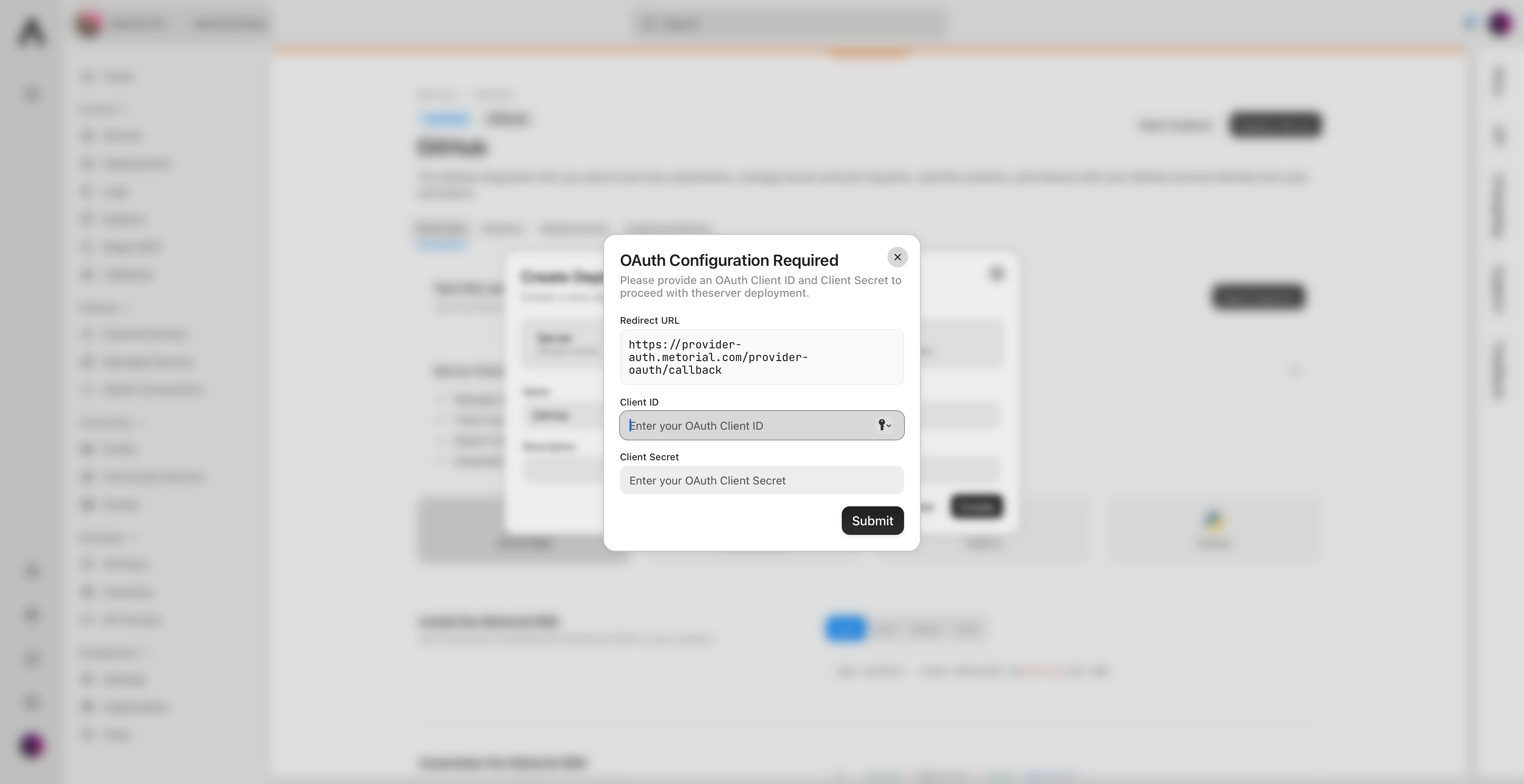
What’s Next?
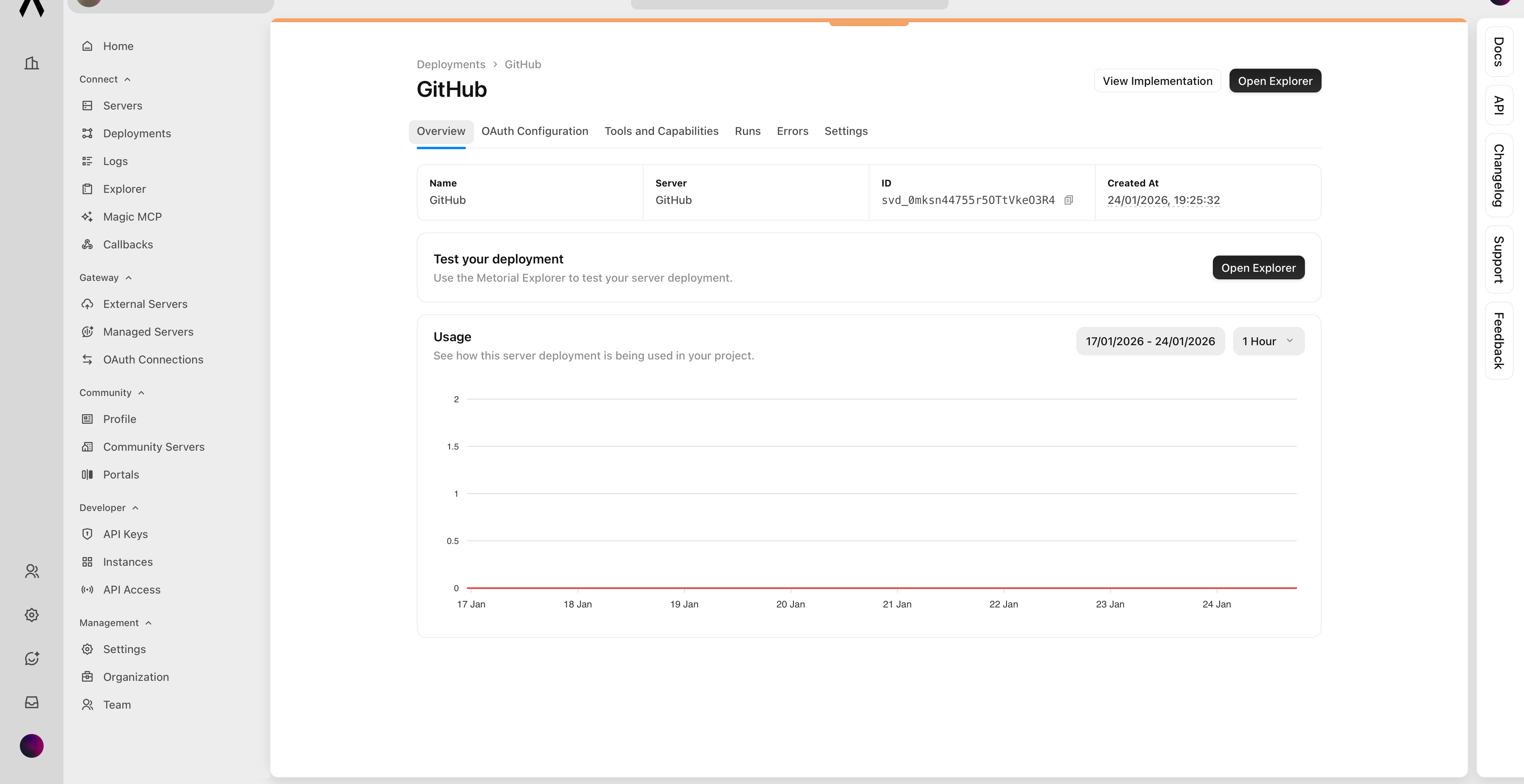
🎉 You’ve successfully deployed your first MCP server! Next, we’ll guide you through testing your server’s capabilities.Next Up: How to test an MCP server
Learn how to test an MCP server using the Explorer.